
Free, open-source SQL client for macOS & Windows
Your databases.
One focused workspace.
Connect directly to PostgreSQL, MySQL, or SQLite. Browse tables, review row edits, and write SQL from one desktop workspace.
Free & open source No account required
- PostgreSQL
- MySQL
- SQLite
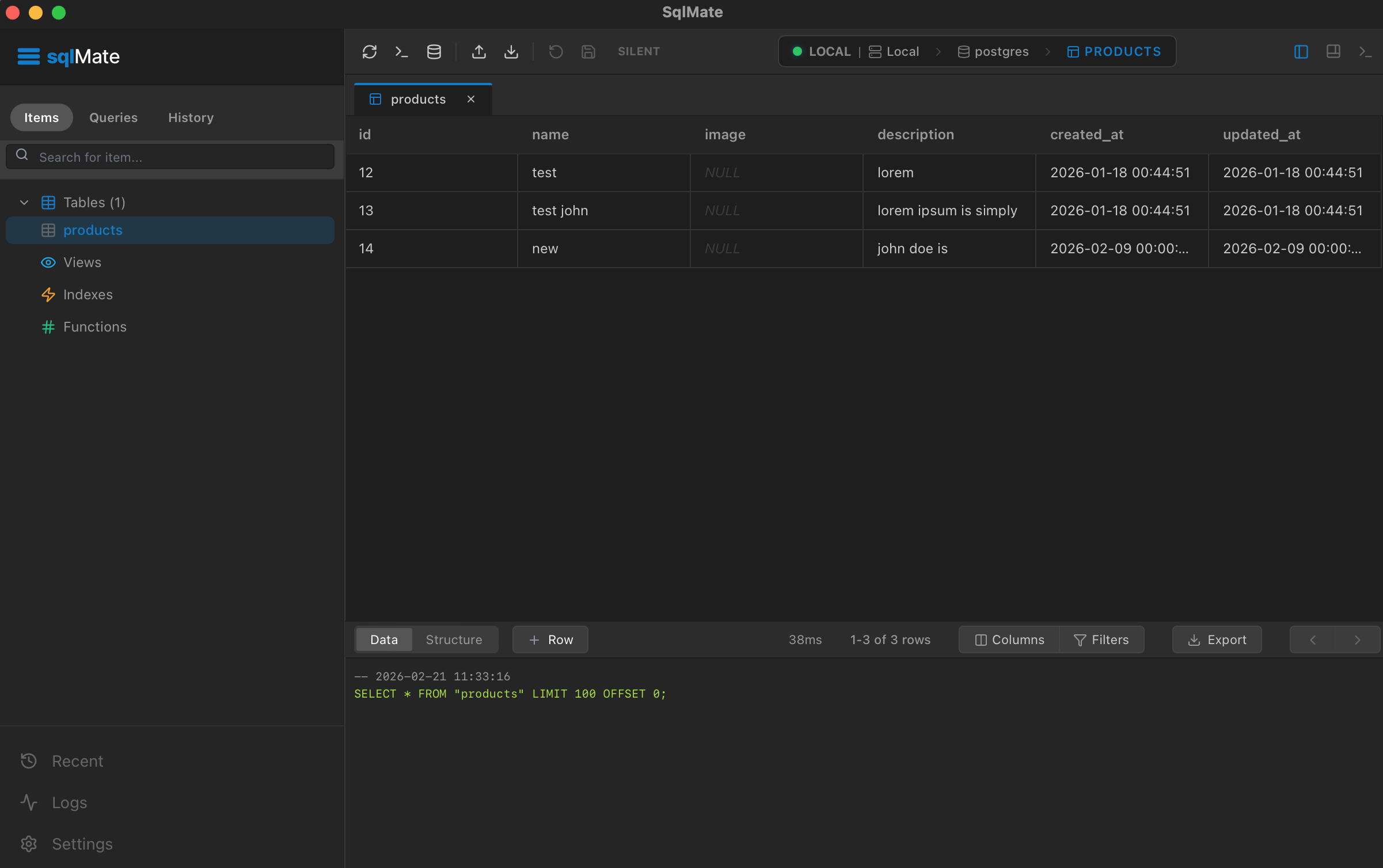
From connection to clarity.
From first connection to a reviewed change or query, without switching tools.
Connect directly
Open PostgreSQL, MySQL, or SQLite without routing your database traffic through a sqlMate server.
Explore safely
Browse data and structure, follow relationships, and review pending row edits before committing.
Query your way
Write and save SQL, inspect plans, or use optional AI with your own key. You decide what runs.
Choose your platform.
Download sqlMate for your desktop and start working with your databases.
for macOS
Free & open source No account required
Frequently asked questions
Is sqlMate free?
Yes. sqlMate is free and open source under the MIT License. You do not need an account to use the app.
Which databases can I connect to?
sqlMate supports PostgreSQL, MySQL, and SQLite. Connect to a database server or open a local SQLite file, then browse tables and write SQL in the same workspace.
How are table edits saved?
Row edits are staged instead of written immediately. Review your pending changes before committing them together. Safe mode blocks writes entirely.
How does optional AI work?
Generate, explain, or fix SQL with your own Gemini, Groq, Claude, or OpenAI developer API key. You review the exact request and destination before sending it. sqlMate does not add result rows or stored credentials, but SQL and schema details you choose to send may be sensitive. Generated SQL never runs automatically. Your provider may bill separately.
Does my database traffic go through sqlMate servers?
No. Database connections go directly from your device to your database. Optional AI requests are handled separately by the configured provider. Limited first-party usage telemetry is described in the privacy policy.
Something else on your mind? Get support